When you first start using Webador, it can be easy to mix up your account, website, subscription, and domain name. What’s the difference between them? And if you create another website, do you need to pay for another subscription?
Let’s take a deep dive into the basics of Webador so you cna understand this from the very beginning.
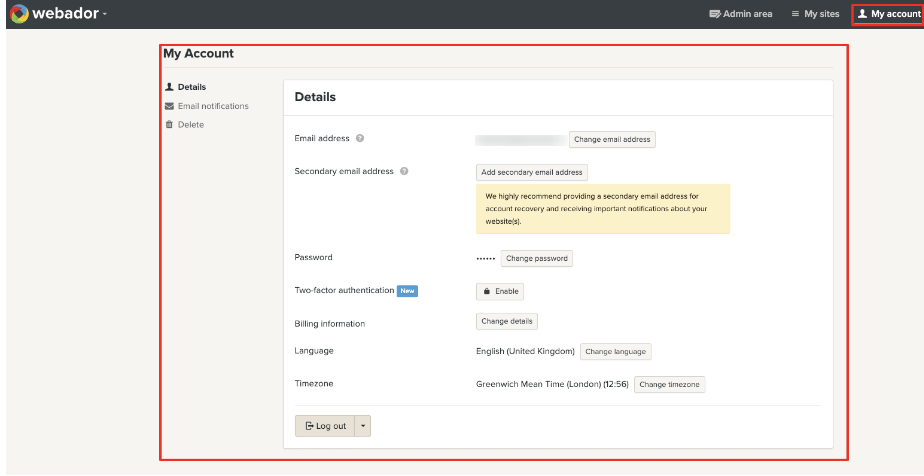
Your Webador account
Think of your Webador account as the home where you manage your websites.
You can create multiple websites within your Webador account, so you don’t need to create a completely new account every time you want to start another project. Your account is where you can access your different websites and manage their subscriptions.
Your website
A website is the actual site you create and publish online.
You can have multiple websites under one Webador account. For example, you could have one website for your business and another for a personal project.
However, each website is treated separately when it comes to paid subscriptions. Each website requires its own paid subscription. So, having two websites doesn’t mean that one paid subscription automatically covers both.
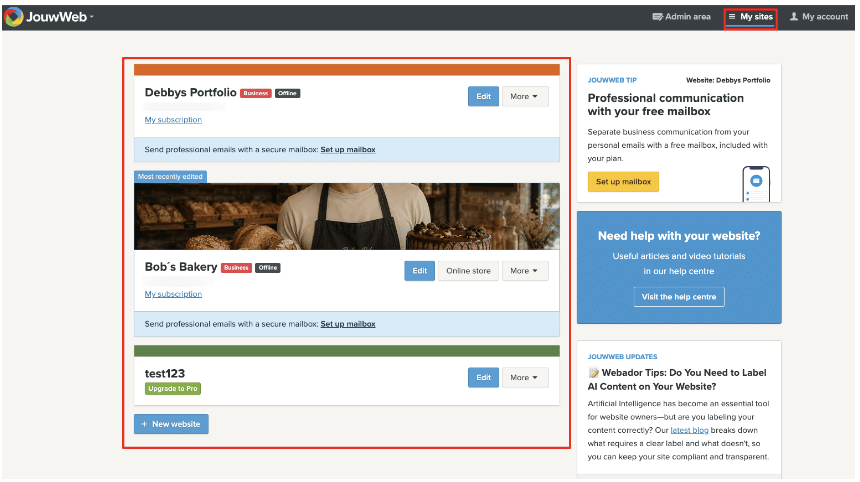
You will find an overview of all of your subscriptions when you log into your account.
Your domain name
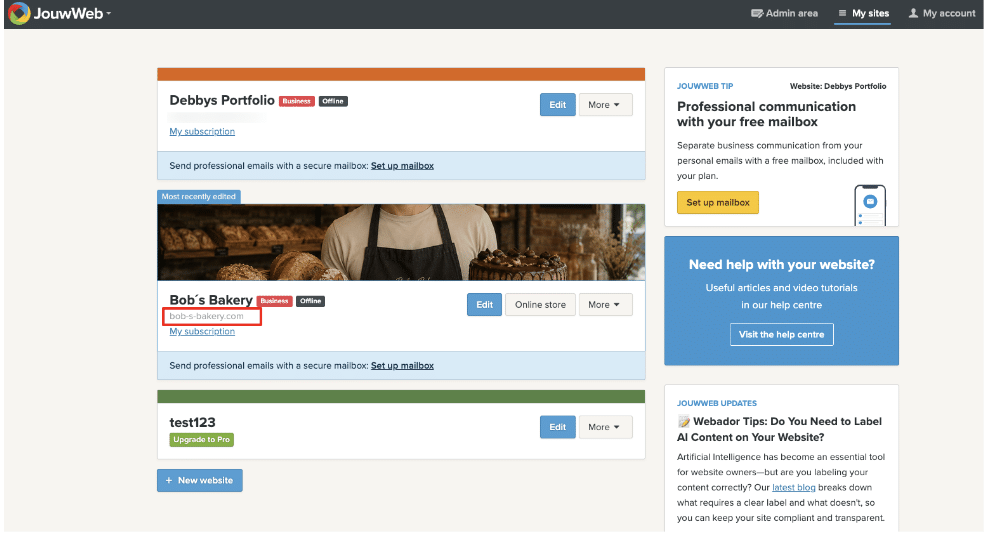
Your domain name is your website’s unique address on the internet, such as yourbusiness.com.
A domain is separate from your website itself. You can register a personalized domain name through Webador with a Lite, Pro, or Business subscription, or use a domain you already own by transferring or linking to Webador.
It’s also important to know that purchasing an additional domain does not create another website. Multiple domains can point to the same website. If you want two domains that lead to different websites, you need two separate websites and a paid subscription for each.
Tip 💡: You can check if a domain name is available by going to our domain page. if you see the green available message this domain name can be registered with us.
How do they all fit together?
It can help to think of it this way:
- Account – contains your websites
- Website – contains your pages and content
- Subscription – determines the plan and features for that website
- Domain – is the web address visitors use to find your website
Once you understand these four pieces, managing your Webador account becomes much simpler.
Which plan is right for you?
The right plan depends on what you want your website to do.
You can start with a Free website and upgrade later, or choose a paid plan if you already know you need features such as a custom domain or professional website tools.
For the most up-to-date prices and a comparison of the available plans, take a look at the Webador Pricing page.